Claude Code for a Claude plan
Official installer:
curl -fsSL https://claude.ai/install.sh | bashOr with Homebrew:
brew install --cask claude-codeThen open a new Terminal window and sign in with your Claude account:
claude auth loginAnswers from your library, with book, volume and page.
Apple silicon · macOS 13 or later · Claude or ChatGPT subscription


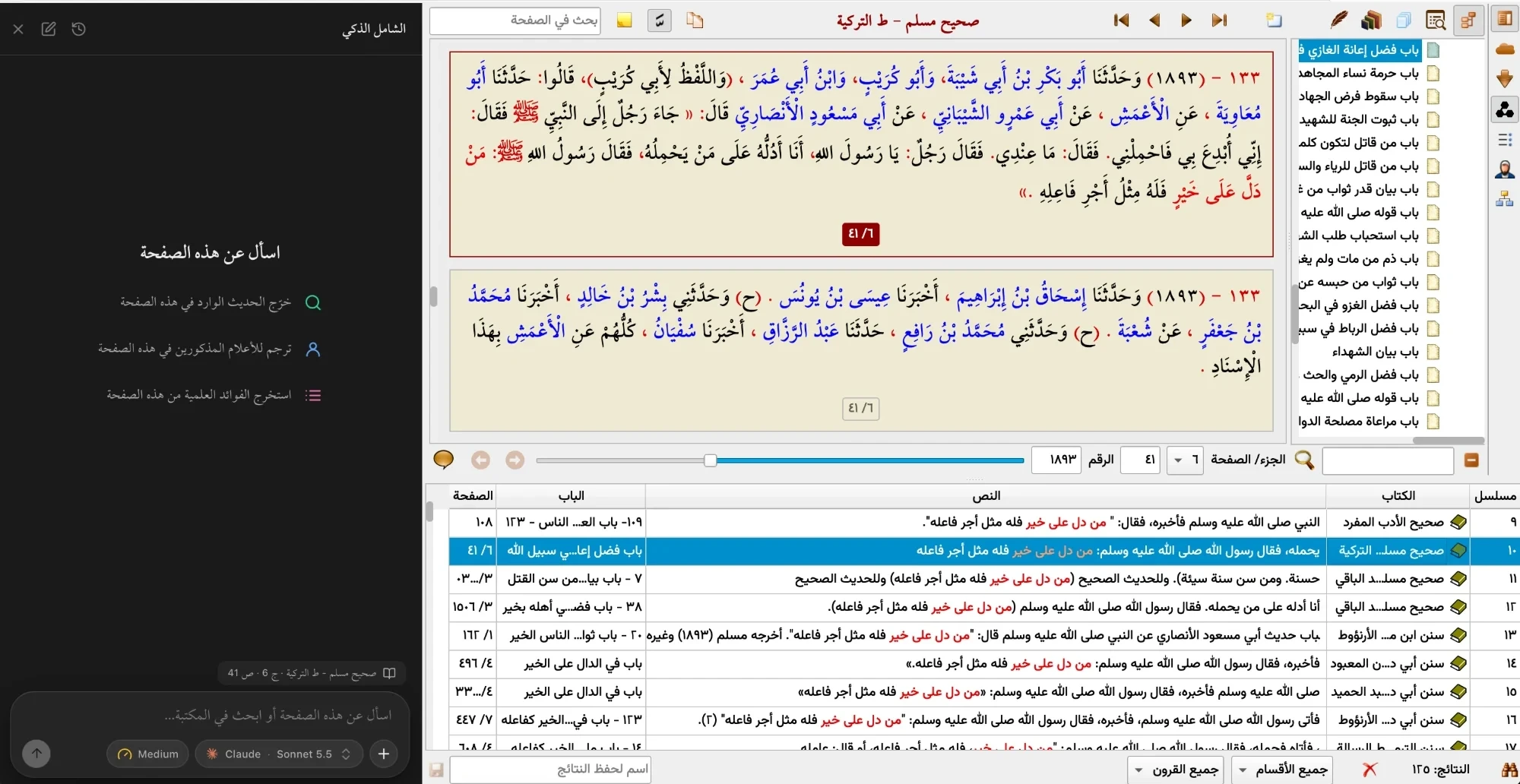
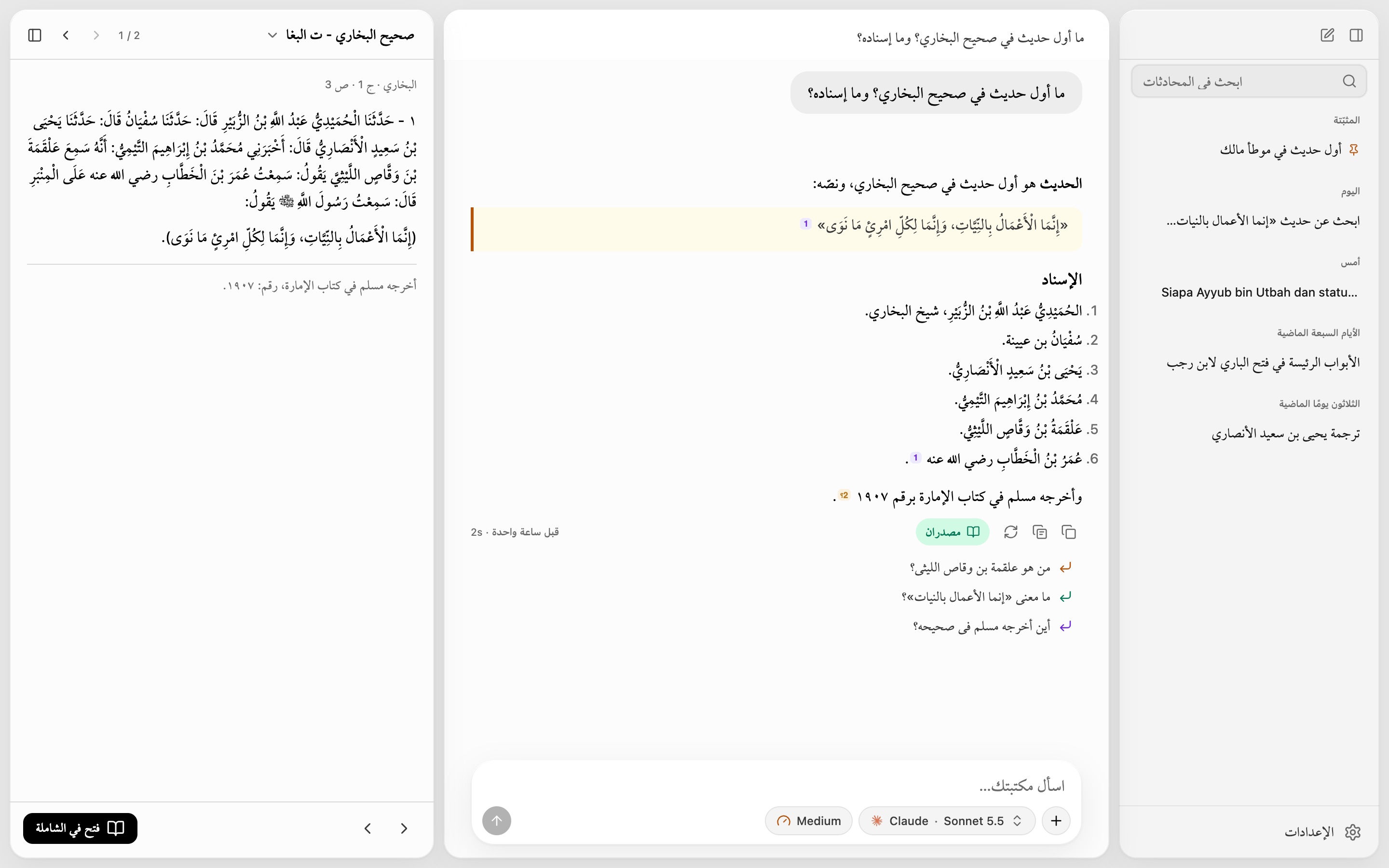
In a book or search tab, open the side panel and ask about the page in front of you.
Open the zip, then open Shamela AI. If macOS blocks it, go to System Settings › Privacy & Security and click Open Anyway.
Quit Shamela, then click Install.
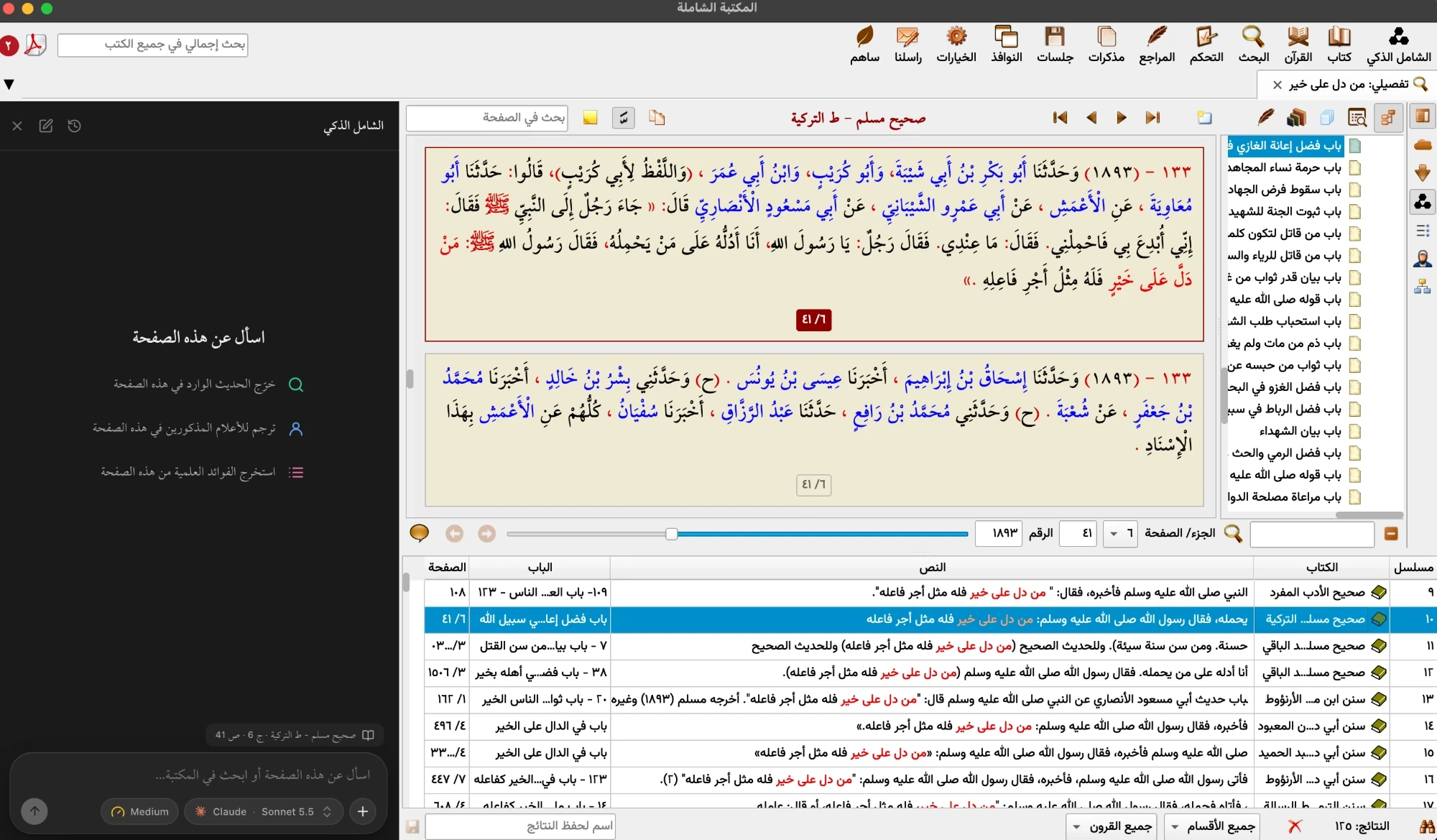
In Shamela, open Shamel Zaki (الشامل الذكي on the toolbar), click ⚙ at the bottom of the sidebar, then الحسابات (Accounts). Install and sign in to Claude or ChatGPT.
The easy way is inside the app: ⚙ › Accounts, then Install and Sign in. To do it by hand, open Terminal (⌘ Space, type Terminal) and paste these commands.
Official installer:
curl -fsSL https://claude.ai/install.sh | bashOr with Homebrew:
brew install --cask claude-codeThen open a new Terminal window and sign in with your Claude account:
claude auth loginWith Homebrew:
brew install --cask codexOr with npm (needs Node.js from nodejs.org):
npm install -g --prefix ~/.npm-global @openai/codexThen sign in with ChatGPT (after npm, use ~/.npm-global/bin/codex login):
codex loginReopen Shamela afterwards. The account shows as ready in ⚙ › Accounts.
Yes, at least one. The assistant runs through them on your own subscription. You can install either from Settings › Accounts.
Claude Pro, Max or Team, or ChatGPT Plus, Pro or Business. Free plans and API keys don’t work.
No. Usage counts toward your subscription’s limits.
Install it by hand from Terminal: see Installing Claude Code or Codex.
No. It reads Shamela’s books and nothing else, and it has no internet access. The only exception is a file you attach yourself.
To Anthropic or OpenAI, through your account. Your chats are saved on your Mac.
That’s expected: the app isn’t registered with Apple. Click Open Anyway, as in step 1.
It reinstalls itself. Reopen Shamela when the notification appears.
Not yet.
Open Shamela AI again and click Remove. Your chats stay in ~/Library/Application Support/Shamela-AI.